A deep-dive into how ESP (Extra Sensory Perception) works in Delta Force, what features matter most, and how to configure wallhack visibility settings for maximum match success.
ESP — Extra Sensory Perception — is the backbone of any serious Delta Force cheat. Where aimbot gives you precision, ESP gives you information, and in an first-person shooter, information is everything.
What Does Delta Force ESP Actually Show?
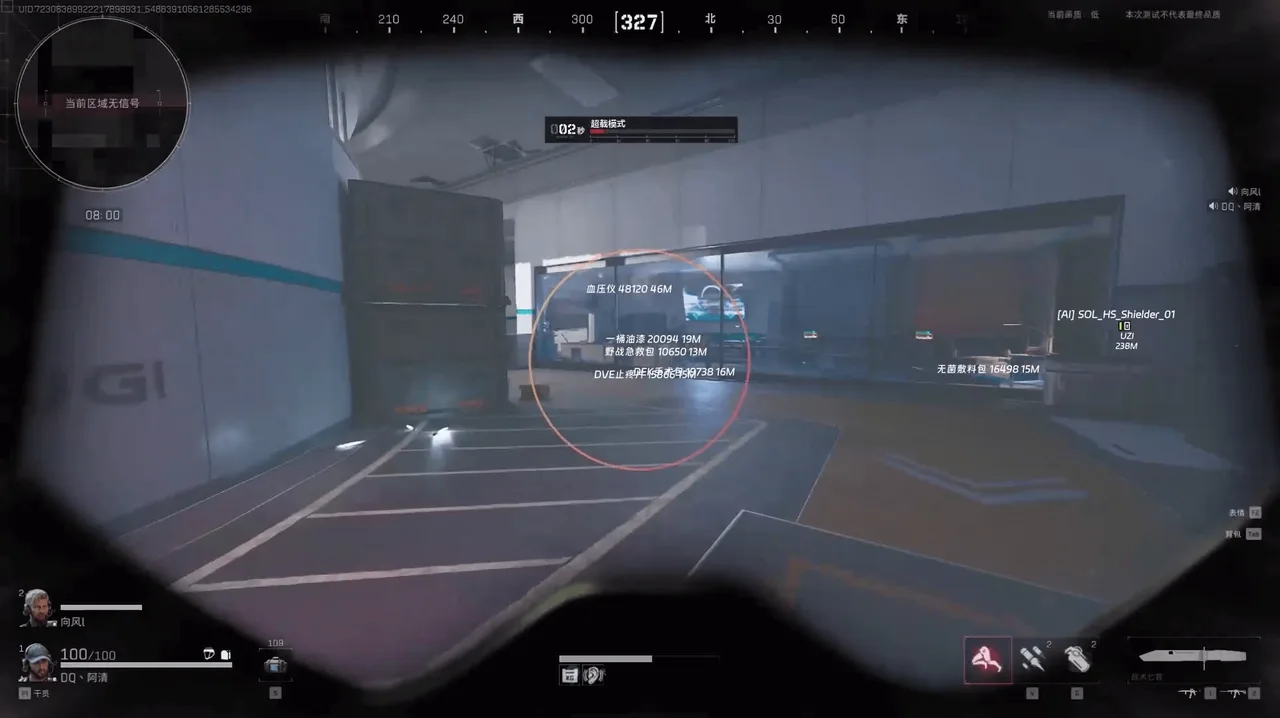
A well-built ESP overlay renders data directly onto your screen in real time, tied to the game's internal entity list. In Delta Force, that means:
2D Box ESP: A bounding rectangle around every enemy, visible through any surface. Even behind reinforced walls, shipping containers, or dense terrain, the box stays locked to the player model.Skeleton Lines: Full bone-structure rendering — head, shoulders, spine, hips, knees. Lets you predict crouching, prone movement, and angles before the enemy rounds a corner.Distance Tags: Exact metre count to every visible entity. At 200m you might hold. At 40m you push. Distance context changes your decision-making entirely.Loot Highlights: Weapons, high-tier armour, keycards, and valuables all glow through walls with custom colours and icons. No more running past a Tier-4 SMG because you didn't check a dark corner.Player Alerts: An on-screen notification fires the moment any enemy enters your configured detection radius. You'll know before they know about you.Configuring ESP Range Sliders
Delta Force cheats with quality builds let you separate player ESP range from loot ESP range. For solos in early match, you want loot range maxed (200m+) and player range moderate (150m) to avoid HUD clutter. As the match matures and squads rotate, flip those — shrink loot range, push player detection to max.
Why External ESP Is Safer
An external cheat reads game memory from a separate process rather than injecting code into the Delta Force executable. Because nothing is injected, signature-based detection and module scanning find nothing to flag. The draw calls happen via an overlay window on top of the game — clean, external, and outside Delta Force's memory space.
Tips for First-Time Users
Start with box ESP only — learn to read positions before adding skeleton and distance.Set a subtle colour palette (soft cyan or orange) rather than bright red, which strains eyes on long sessions.Use range sliders to cap at 120m initially. Seeing 300 enemy tags across the entire map is overwhelming and slows decision-making.Enable loot ESP last, once you're comfortable with player tracking.ESP is the single feature that most dramatically changes how Delta Force feels. Once you've matched with it, returning without it feels like playing blind.